How to use the Sawday’s Member Area
The Sawday’s Member Area is your own corner of Sawday’s, where you can check how your page is performing, make additions or edits to your photo gallery, adjust your pricing, refresh your points of interest and amend your lists of features and facilities. The more you engage with your page and ensure it accurately reflects what makes your place special, the more guests will see it too and the better the page will perform.
Here’s a quick guide to what you’ll find in the Sawday’s Member Area and why you might want to check it out.
Photo gallery
This is the most important part of the Member Area. A strong photo gallery is vital for attracting guests, so manage yours carefully. To make any changes, go to Manage Gallery from the Member Area homepage. You can have up to 40 photos uploaded, 20 of which will show to guests, allowing for easy seasonal rotation, which keeps the gallery relevant. Photos must be 1-5mb, .jpegs and in landscape format. If you have trouble uploading them to our site, you can use WeTransfer to send them to members@sawdays.co.uk and we’ll upload them for you.
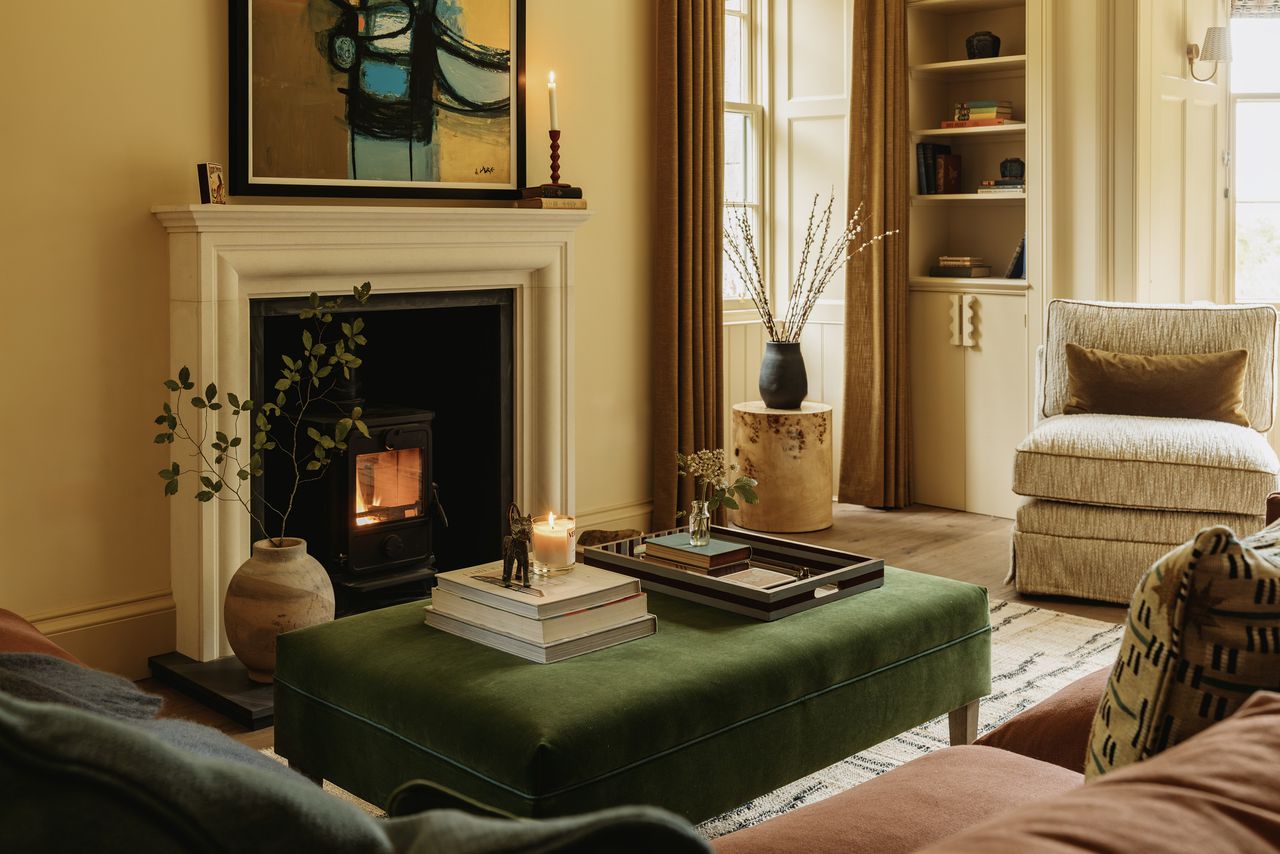
Regardless of the season, include a variety of photos which showcase all aspects of your place, from bedrooms and bathrooms to unusual features, outside spaces and the local area. Make sure to choose an eye-catching, scroll-stopping “hero” image, which will be the one that appears first in search results. While more photos can be browsed in search, that first image is the one that initially hooks guests in.
Read more tips on creating a great gallery >
Page performance
See how many times your page has been viewed by potential guests and how many of those have clicked through to your chosen site. We aim for a 20% click-through rate (CTR) as standard. If you’re getting a high number of page views but click-throughs are significantly lower than that, you might need to look at the gallery and the information you display, to make sure it’s really selling your place, although this can also result from a marketing feature, which will result in people looking at your page but possibly not booking immediately. If you’re getting lots of click-throughs to your chosen site but not seeing many bookings, think about how easy it is for guests to book with you and also how you track where guests have come from, as it may not always be obvious how a guest found you.
Read our tips on tracking your guests >
Availability & booking rules
If you’re using an availability calendar (presently only available to self-catering, B&Bs and smaller hotels and pubs), you’ll need to add seasonal rules for times when you vary your normal pattern. These seasonal rules will need to be added again every year. While you’re renewing those rules, check that the syncs are working and/or that you have the dates you don’t want showing as available blocked out manually.
If you’re setting up availability for the first time and have any questions, don’t hesitate to get in touch or you can find some useful tips in this guide.
Pricing
To edit your pricing information, click Edit Details on one of your places. Here you can adjust the “from – to” price displayed for your weekly (self-catering places only) and/or nightly rates. You can also add any further pricing information, remembering of course to always hit Publish to Website when you’re done. If you need any help, please get in touch on members@sawdays.co.uk
Read more tips on pricing and availability >
Special offers
Add anything that you’ve currently got running to entice guests, from an arrival bottle of wine to off season discounts and last-minute availability. Special Offers can help you get seen by guests, who can filter by places which currently have deals running.
Points of interest
As we like to say, having no Points of Interest is like having a shop window with no products in it. Accessed via the Edit Details tab, Points of Interest are your chance to tempt people with more than how lovely your place is, by helping them build a picture of what their whole trip in the area could be like. You might want to mention the hotspots and highlights, but guests also love hearing about the simple things that it’s harder to find out online – great local walks, new bakeries, wild swimming places – the sort of thing that will make every day of their trip memorable.
Read our tips for good Points of Interest >
Features and facilities
These are a simple but important set of tick boxes where you can specify what your place does and doesn’t have. Guests can use these to filter their search results, so it’s important that they are accurate and honest. If there’s no provision for evening meals or no shop within three miles, just say. Guests simply need to know exactly what to expect.
Accessibility
We’ve worked with experts and people with lived experience to ensure our accessibility information is as useful as it can be. Rather than a simple “yes/no” for accessibility, it’s better to give people as much detail as we can so that they can make decisions themselves. Again, if you can’t tick some or even any of these boxes, it’s ok. Accessibility provision is certainly something to think about adding, but the most important thing is that the information displayed isn’t misleading to anyone who has specific requirements.
Reviews
While reviews don’t live in the Member Area, they are a vital component of a well-performing page, so it’s important to request them from all your guests. You can find the review link for your place in the Reviews section of your live page, and send it to guests in order to get their feedback. Guest reviews really do help, so include this link in anything you send post-stay.
Read our tips for gathering great reviews >